
Blog · August 26, 2026 · 5 min read
Marketing Automation Website Leads: Follow Up Fast and Personally
When a lead fills out your contact form, the first few minutes matter most. Here's how to connect your website to automation so follow-up happens instantly and feels personal.
- marketing-automation
- lead-generation
- business-automation
- riviera-maya
- playa-del-carmen
- cancun
- tulum
- quintana-roo
- website-leads
- follow-up
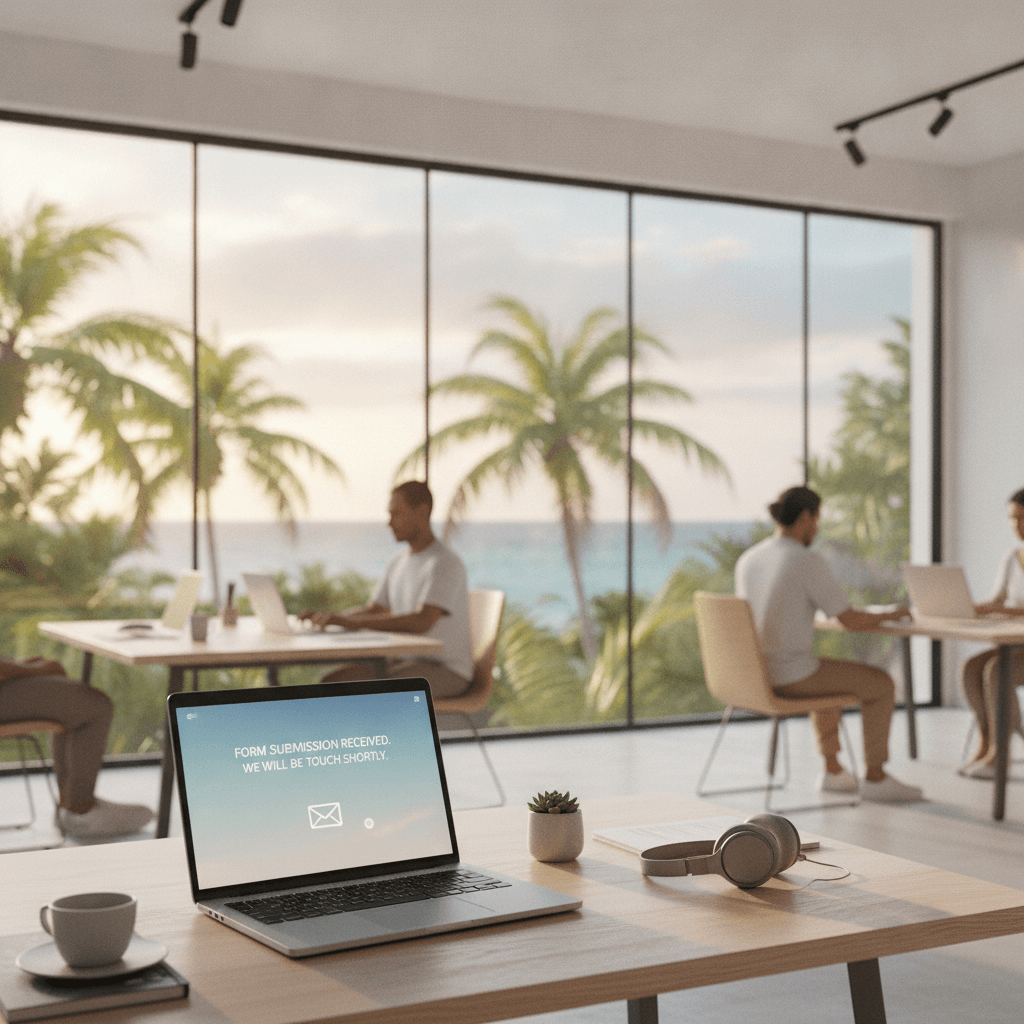
Most businesses in Playa del Carmen, Cancún, and across the Riviera Maya work hard to get visitors to their website. But once someone fills out a contact form or clicks that WhatsApp button, what happens next is often left to chance.
A lead left waiting for hours — or days — is a lead that moves on to a competitor. Marketing automation connected to your website fixes that problem without adding more to your plate.
Why Speed Matters More Than You Think
When someone submits an inquiry, they are usually comparing several options at once. Whether they're looking for a vacation rental in Tulum, a real estate agent in Playa del Carmen, or a service provider in Quintana Roo, they will contact multiple businesses and often go with whoever responds first.
This isn't about being pushy. It's about being present. A fast, relevant reply signals that you're professional and ready to help. Silence, even brief silence, erodes trust before the relationship even starts.
What "fast" actually means
In most markets, responding within five minutes dramatically increases the chance of converting an inquiry. After an hour, that window has largely closed. Manual follow-up simply cannot compete with automation when your team is busy, it's outside office hours, or you're handling multiple inquiries at once.
What Marketing Automation Actually Does
Marketing automation is not a robot replacing human conversation. It's a system that handles the first, time-sensitive touchpoints so your team can step in with real context and a warm lead already engaged.
When connected to your website, it can:
- Send an immediate acknowledgement message after a form submission
- Deliver a relevant follow-up by email or WhatsApp based on what the person asked about
- Add the lead to a structured sequence of follow-up messages over days or weeks
- Notify your team in real time so a human can follow up at the right moment
- Tag and segment leads based on their interest, location, or inquiry type
None of this requires a large team or expensive enterprise software. Many small businesses in Cancún and Tulum already use tools like Make, Zapier, or lightweight CRM platforms to automate this entire first stage of the sales process.
Connecting Your Website to an Automation Workflow
The starting point is your contact form or lead capture element. If your form submissions just arrive in your email inbox with no further action, you're leaving the work half done.
A proper setup routes each submission into a workflow. That workflow triggers based on what the person selected, what service they asked about, or what page they came from. The result is a follow-up that feels tailored rather than generic.
A practical example
Imagine a boutique hotel in Tulum. A visitor fills out a form asking about availability for a specific week. Within seconds, they receive a WhatsApp message confirming their inquiry was received and outlining next steps. Simultaneously, the reservations team gets a Slack or email notification with the lead's details. A follow-up email goes out 30 minutes later with a summary of what the property offers, a link to check availability, and a clear call to action.
That entire sequence can be built once and run automatically, every time, for every inquiry. If you're curious about the technical side of connecting these pieces, our guide to website API integrations covers how different tools talk to each other.
Making Automation Feel Personal
The concern most business owners have is that automated messages feel cold or robotic. This is a real risk if the messages are poorly written or too generic. But it doesn't have to be that way.
Personalisation tokens let you pull in the person's name, the service they asked about, or even the specific page they came from. A message that opens with "Hi María, thanks for asking about villa rentals in Tulum" lands very differently from a generic "We received your message."
The goal is for the recipient to feel like someone noticed them quickly and cared enough to send something relevant. That impression, built in the first few minutes, shapes everything that follows.
Segmenting by intent
Not all leads are the same. A person asking about pricing is at a different stage than someone asking about availability for next week. Automation lets you route these differently — sending a pricing guide to one and an availability check to another — without you having to make that judgment call manually every time.
This kind of segmentation is easier to build than most people expect, especially when your website and CRM are properly connected. Our SEO and lead setup services include structuring forms and pages so the right data is captured from the start.
What to Set Up First
If you're starting from scratch, focus on these steps in order:
1. Fix your form capture. Make sure your contact form collects enough information to personalise a follow-up — at minimum, name, email or WhatsApp number, and what they're enquiring about.
2. Build an instant acknowledgement. The first automated message should go out within seconds. Keep it short: confirm you received the message, set an expectation for when a human will follow up, and offer a useful next step like a link to your FAQ or services page.
3. Notify your team in real time. Automation doesn't replace the human touch — it prepares the ground for it. Make sure your team gets an immediate alert with the lead's details so they can follow up personally at the right time.
4. Build a simple nurture sequence. If the lead doesn't convert immediately, a short series of follow-up messages over the next few days keeps you top of mind without requiring ongoing manual effort.
If you're not sure where to start or which tools fit your business, it's worth having a conversation about your current setup before investing in software. Get in touch and we can look at what makes sense for your situation in Playa del Carmen, Cancún, or wherever you operate in Mexico.
The Bigger Picture
Marketing automation connected to your website is not just a convenience. For businesses in competitive markets like the Riviera Maya, where visitors have many choices and attention spans are short, it's a genuine advantage.
You've already done the hard work of getting someone to your site and convincing them to reach out. Don't let a slow follow-up undo that. Set up a system that responds immediately, routes intelligently, and gives your team the context they need to close the conversation like a professional.
Written by JMW Development · Based in Playa del Carmen
← All articlesKeep reading
More from the JMW Journal



Liked this article?
Want something like this for your business?
Book a free 30-minute call. We'll talk through what you are building and come back with a clear next step within 24 hours.