
Blog · September 8, 2026 · 6 min read
Google Business Profile Optimization Mexico: Fix These Mistakes First
If your business isn't showing up where it should on Google Maps, a few fixable mistakes in your Google Business Profile are likely the reason. Here's how to spot and correct them.
- google-business-profile
- local-seo
- playa-del-carmen
- cancun
- tulum
- quintana-roo
- riviera-maya
- mexico
- gbp-optimization
- google-maps
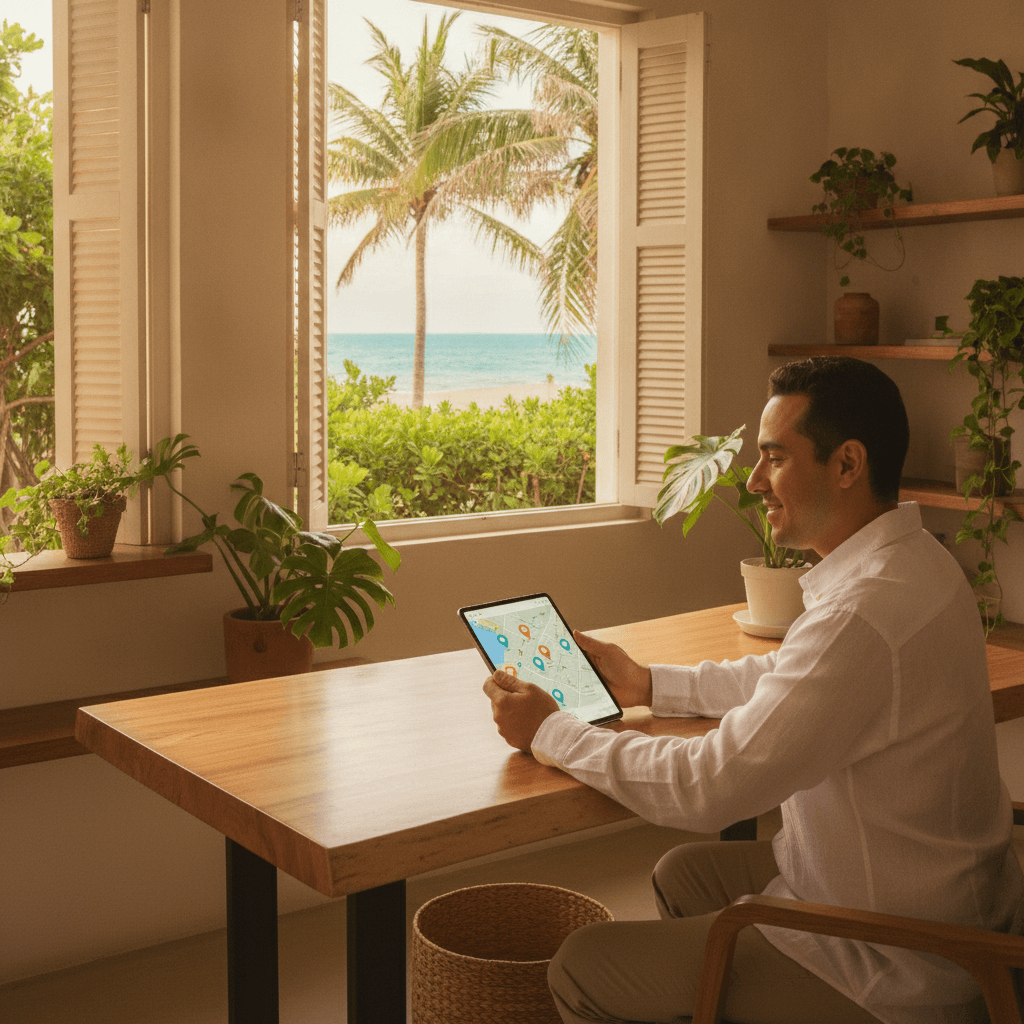
Your Google Business Profile (GBP) is often the first thing a potential customer sees before they ever visit your website. For businesses in Playa del Carmen, Cancún, Tulum, and across Quintana Roo, this profile does a lot of heavy lifting — it shows your hours, address, photos, reviews, and even lets people call you directly from search results.
Getting it wrong is surprisingly easy. Getting it right takes some attention to detail, but it's not complicated. This post walks through the most common mistakes Mexican businesses make with their GBP and explains exactly how to fix them.
Choosing the Wrong Business Category
Your primary business category tells Google what kind of searches you should appear in. Choose too broadly or incorrectly, and you'll miss the customers who are actually looking for what you offer.
A common example: a boutique hotel in Tulum listing itself as simply "Hotel" when more specific options like "Boutique Hotel" or "Bed and Breakfast" are available. The more specific category often matches searcher intent better.
How to fix it
Log into your GBP dashboard, go to "Edit Profile," and review your primary category. Google offers hundreds of options. Take ten minutes to search through them and find the most accurate match for what you actually do. You can also add secondary categories — use these for services you offer beyond your main focus.
Inconsistent Business Name, Address, and Phone Number
Google cross-references your business information across the web. If your name, address, or phone number differs between your GBP, your website, and other directories, it creates confusion — both for Google and for customers.
This is called a NAP inconsistency (Name, Address, Phone), and it's one of the most common local SEO problems we see for businesses throughout the Riviera Maya. Something as simple as writing "Av. Constituyentes" in one place and "Avenida Constituyentes" in another can cause issues.
How to fix it
Decide on one exact version of your business name, address, and phone number. Use that exact version everywhere: your GBP, your website footer, your Facebook page, any directories you're listed in. If your website needs updating to match, a quick edit is worth it — consistency signals credibility to Google. Our custom website development service ensures your site and local profiles align properly from the start.
Incomplete or Outdated Business Information
Many businesses set up their GBP once and never return to it. Months later, their hours have changed, they've added new services, or they've moved — but the profile still shows the old information.
This directly costs you customers. Someone searches for a restaurant in Cancún, sees it's open until 10pm on your GBP, arrives at 9pm, and finds it already closed. That's a bad experience that tends to generate a negative review.
How to fix it
Set a reminder to review your GBP information every quarter. Update your hours for holidays and high or low season — Google lets you add special hours without changing your regular schedule. Fill in every available field: business description, services, service area, website URL, and attributes (like "outdoor seating" or "accepts reservations").
Not Using Google Posts
Google Posts let you share updates, offers, events, and news directly on your Business Profile. Most businesses in Mexico either don't know this feature exists or tried it once and stopped.
Posts appear in your profile in search results and on Google Maps. They signal to Google that your profile is active and managed, which can positively influence how often your profile appears.
How to fix it
Aim to publish at least one Google Post every two weeks. You don't need to write much — a short update about a seasonal promotion, a new service, or an event works well. Include a photo and a clear call to action like "Call now" or "Learn more." Treat it like a mini-announcement, not a press release.
Ignoring or Mishandling Reviews
Reviews are one of the strongest signals Google uses to decide which businesses to show in local search results. Many businesses in Playa del Carmen and across Quintana Roo simply don't respond to reviews — positive or negative.
Not responding to a negative review can look worse than the review itself. It signals that you don't care, or that you're not paying attention. Responding professionally to criticism, on the other hand, shows potential customers that you take your service seriously.
How to fix it
Respond to every review — the good ones and the difficult ones. For positive reviews, a genuine thank you is enough. For negative ones, acknowledge the issue, apologize where appropriate, and offer to resolve it offline. Never argue or be defensive in a public reply.
You should also actively encourage satisfied customers to leave reviews. A simple verbal reminder at the end of a transaction, or a follow-up WhatsApp message with a direct link to your review page, works well in the local market.
Poor or Missing Photos
Google Business Profiles with photos consistently receive more clicks and direction requests than those without. Yet many businesses either upload a handful of low-quality images or skip photos entirely.
For businesses in the hospitality, restaurant, and tourism sectors along the Riviera Maya, this is especially damaging. Travelers make decisions based heavily on visuals before they even read a description.
How to fix it
Upload at least ten good-quality photos covering your space, your product or service in action, your team, and your exterior so customers can find you. Add new photos regularly — monthly if possible. Make sure your cover photo and logo are current and clearly represent your brand.
Avoid stock photos. Genuine images of your actual business always perform better because they build trust.
Not Setting Up a Service Area (For Service-Based Businesses)
If you go to your customers — rather than having them come to you — your GBP needs to reflect that. Service-based businesses like cleaners, contractors, or mobile technicians in Cancún or Tulum often list only a physical address, which limits where they appear in local searches.
How to fix it
In your GBP settings, you can hide your address and add a service area instead, or combine both if you have a physical location and also travel to clients. Define your service area by city, region, or postal code. This helps Google show your profile to people searching in the areas you actually serve.
Connecting Your GBP to a Strong Website
Your Google Business Profile should lead people to a website that converts. If someone clicks through from your GBP and lands on a slow, confusing, or outdated site, all the effort you put into your profile is wasted.
This is where the two pieces work together. A well-maintained GBP drives traffic. A well-built website turns that traffic into enquiries and customers. If you're not sure whether your website is doing its job, our SEO setup service and web design work in Playa del Carmen are worth exploring.
Start With One Fix at a Time
If your GBP has several of these problems, don't try to fix everything in one afternoon. Pick the most critical issue — usually category accuracy or NAP consistency — and resolve it properly before moving to the next.
A Google Business Profile that's accurate, complete, and actively managed will outperform a neglected one over time. For businesses across Quintana Roo competing in busy tourist markets, that visibility difference is measurable in real enquiries and calls.
If you'd like a second pair of eyes on your current profile, get in touch with us — we're happy to take a look and give you practical feedback.
Written by JMW Development · Based in Playa del Carmen
← All articles
Liked this article?
Want something like this for your business?
Book a free 30-minute call. We'll talk through what you are building and come back with a clear next step within 24 hours.