
Blog · July 19, 2026 · 6 min read
Google Business Profile Riviera Maya: Keep It Updated and Get More Calls
Your Google Business Profile is often the first thing a local customer sees. Here's how to keep it working for your business in Playa del Carmen, Cancún, Tulum, and across the Riviera Maya.
- google-business-profile
- local-seo
- riviera-maya
- playa-del-carmen
- cancun
- tulum
- quintana-roo
- mexico
- small-business
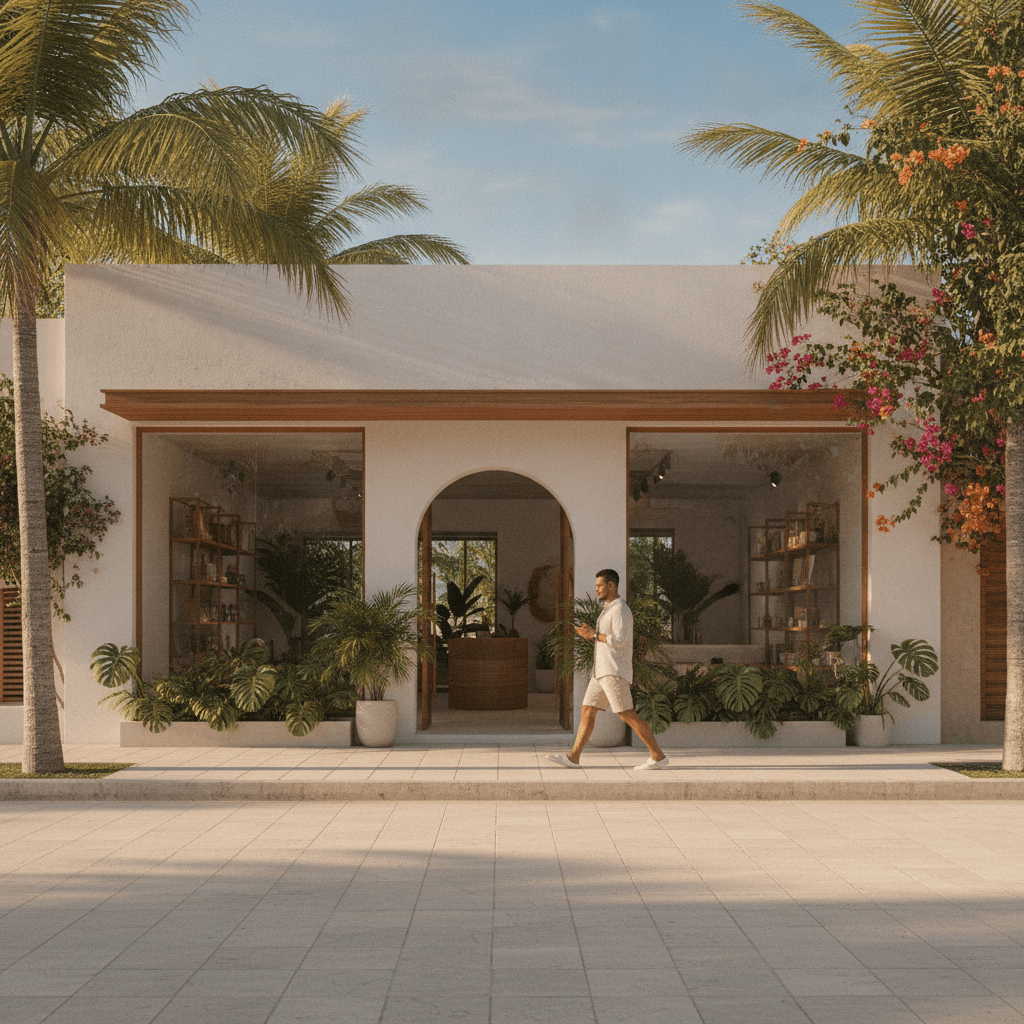
When someone in Playa del Carmen searches for a restaurant, a dentist, or a tour operator on their phone, Google doesn't send them to a website first. It shows a map with a handful of profiles. If your Google Business Profile isn't set up correctly — or hasn't been touched in months — you're likely invisible to those customers.
This guide focuses on the practical steps to keep your profile active, accurate, and converting. Not just setting it up once and forgetting it, but maintaining it in a way that actually brings calls and direction requests.
Why Your Profile Matters More Than Your Website for Local Search
For local searches — the kind that include phrases like "near me" or a specific neighborhood in Quintana Roo — Google often surfaces Business Profiles before organic website results. That means your profile needs to do the selling before someone even visits your site.
A complete, well-maintained profile tells Google that your business is active and trustworthy. It also gives potential customers everything they need to make a decision: hours, photos, reviews, and a direct way to contact you.
If you've already reviewed common setup errors, the guide on Google Business Profile mistakes businesses make covers several traps worth avoiding before you go further.
Setting Up the Foundation Correctly
Choose the Right Business Category
Your primary category is one of the most influential signals Google uses to decide when to show your profile. Be specific. A boutique hotel in Tulum should not just select "Hotel" — options like "Boutique Hotel" or "Bed and Breakfast" are more precise and help you appear in the right searches.
You can add secondary categories too. A dive shop that also runs snorkeling tours can reflect both activities without diluting its primary identity.
Write a Description That Serves the Customer
The business description field is not a place for generic marketing language. Use it to clearly explain what you offer, who you serve, and where you operate. If you work across Playa del Carmen, Cancún, and Tulum, say so plainly. Customers searching in different parts of the Riviera Maya will be reading this.
Keep it under 750 characters and avoid keyword stuffing. Write it the way you would explain your business to a new neighbor.
Add Every Relevant Attribute
Google provides attribute fields that customers actively filter by — things like outdoor seating, wheelchair access, language support, or payment methods. These seem minor, but they influence whether your profile shows up in filtered searches. Go through every available attribute and fill in what applies to your business honestly.
Keeping the Profile Active Over Time
Setting up a profile once is not enough. Google rewards profiles that show consistent activity, and customers trust businesses that look current.
Post Updates Regularly
Google Business Posts let you share news, offers, or seasonal information directly on your profile. For a business in the Riviera Maya, this is especially useful during high season, holiday periods, or when you're running a promotion.
Aim to post at least once every two weeks. It doesn't need to be elaborate — a photo from this week, a note about your updated hours for Semana Santa, or a new service you're now offering. Consistency matters more than volume.
Keep Hours Accurate — Including Holidays
Nothing damages trust faster than a customer arriving at your door to find it closed, after your Google profile said you were open. Update your hours for Mexican public holidays, local events, and seasonal changes.
Google lets you set special hours for specific dates without overwriting your regular schedule. Use this feature, especially in tourist-heavy areas like Tulum and Playa del Carmen where seasonal hours are common.
Respond to Every Review
Reviews are one of the strongest trust signals on your profile. Responding to them — both positive and negative — shows that your business is attentive and professional.
For positive reviews, a short, genuine response is enough. For negative ones, stay calm, acknowledge the concern, and offer to resolve it offline. Potential customers read how you handle problems just as closely as they read the complaints themselves.
If your website is part of a broader strategy to earn trust and generate leads, the article on website trust signals covers how reviews and social proof work together across platforms.
Photos and Visual Content
Profiles with strong photo galleries get significantly more direction requests and website clicks than those with few or no images. For businesses in the Riviera Maya — where visual appeal is a major purchase driver — this is not optional.
What to Upload and How Often
Add photos of your space, your team, your product or service in action, and the surrounding environment. For a restaurant in Cancún, that means food, the dining room, and ideally the street-level exterior so customers can find you easily.
Update your photo library at least once a month. Remove anything that looks outdated. Google also allows customers to upload photos, so monitor those and flag anything that's misleading or irrelevant.
Use Geo-Tagged Images When Possible
Photos taken on location with GPS data embedded in the file can help reinforce your location to Google's algorithm. This is a small signal, but in competitive local markets across Quintana Roo, every consistent signal counts.
Questions, Messages, and the Calls Feature
Answer Questions Before They're Asked
The Q&A section on your profile is public. Anyone can ask — and unfortunately, anyone can also answer. Check this section regularly and pre-populate it with the questions your customers ask most often. This saves them time and keeps inaccurate community answers from appearing.
Enable Messaging If You Can Respond Quickly
Google lets customers send messages directly through your profile. If you enable this, be prepared to respond within a few hours. Slow response times can hurt your profile's standing. If managing messages feels like too much, it's better to leave it off than to let inquiries go unanswered.
If you're thinking about connecting your Google presence with direct customer communication, the post on WhatsApp and your website explores how to tie these tools together practically.
Connecting Your Profile to Your Website
Your Google Business Profile should link to a page that matches what customers expect. If your profile focuses on a specific service — say, sunset tours from Playa del Carmen — link to the relevant service page, not just your homepage.
A well-built website reinforces the trust your profile starts to build. If your site is slow, unclear, or hard to navigate on a phone, customers who click through from your profile are likely to leave. Custom website development built with local search in mind can make the handoff from profile to website seamless.
The Ongoing Habit That Makes the Difference
Most businesses in the Riviera Maya set up a Google Business Profile once and leave it. That's exactly why consistent maintenance creates a real competitive advantage — especially in markets like Cancún and Tulum where the volume of tourism searches is high and attention spans are short.
Schedule 30 minutes each month to review your profile: update photos, check your hours, respond to any unanswered reviews, and add a post. That small habit, done consistently, is what keeps your profile appearing in front of the customers who are ready to call or walk through your door.
If you'd like help getting your profile and local SEO strategy working together, get in touch with the team at JMW Development and we'll take a look at where you stand.
Written by JMW Development · Based in Playa del Carmen
← All articles


Liked this article?
Want something like this for your business?
Book a free 30-minute call. We'll talk through what you are building and come back with a clear next step within 24 hours.