
Blog · September 10, 2026 · 6 min read
WhatsApp Business Website Integration: A Practical Guide for Mexican Businesses
Most customers in Mexico reach out through WhatsApp before they ever fill out a form. Here's how to connect it to your website so you don't lose those leads.
- whatsapp-business
- website-integration
- digital-transformation
- playa-del-carmen
- cancun
- tulum
- riviera-maya
- mexico
- lead-generation
- mobile-first
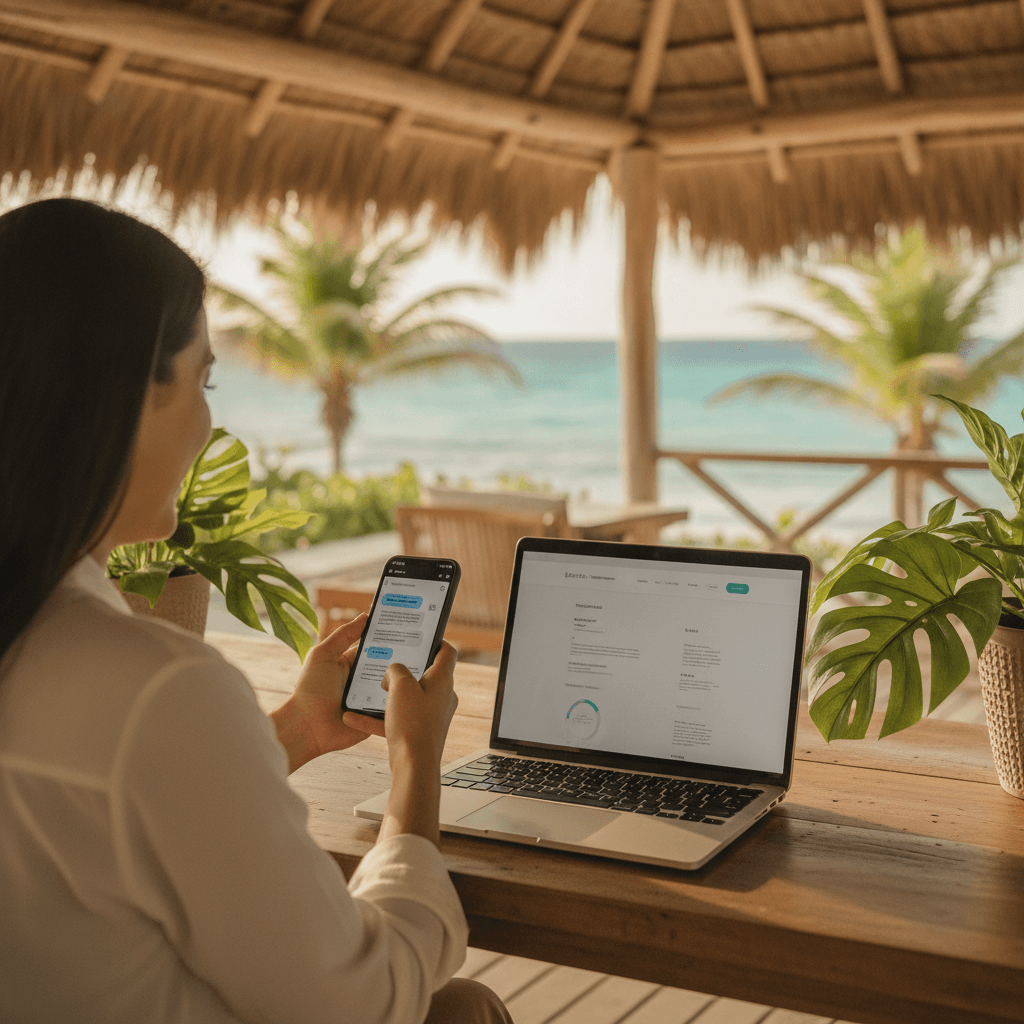
If you run a business in Playa del Carmen, Cancún, or anywhere along the Riviera Maya, you already know that WhatsApp is how people communicate. Customers message before they call, before they visit, and often before they've even decided to buy. Your website should make that as easy as possible — but a lot of businesses get the setup wrong.
This guide covers what WhatsApp business website integration actually involves, what to avoid, and how to make it work reliably on mobile.
Why WhatsApp Matters More Here Than Almost Anywhere Else
In Mexico, WhatsApp is not just a messaging app — it's the default way people contact businesses. Tourists from Canada, the US, and Europe are also comfortable with it now. If someone lands on your website and has a question, they want a fast answer. An email form that takes 24 hours to get a reply loses that person to whoever responds on WhatsApp in five minutes.
This makes WhatsApp integration a business-critical decision, not just a nice-to-have feature.
The difference between a chat bubble and a proper integration
Adding a floating WhatsApp button to your site is easy. Plenty of free plugins and widgets do it in minutes. But that's not the same as a proper integration. A button that opens a pre-filled chat is a good start. An integration that routes messages to the right person, captures the lead, and triggers a follow-up is a different thing entirely.
Start with the button. But understand where it can go from there.
What a Basic WhatsApp Button Should Do
At minimum, your WhatsApp button or chat widget should:
- Open directly to a conversation with your business number (not a generic link)
- Pre-fill a message so the user doesn't have to think about what to write
- Work on both mobile and desktop without errors
- Be visible without being intrusive — a floating button in the corner is the standard approach
The pre-filled message matters more than most business owners realise. Something like "Hi, I'm interested in [your service] and have a question" gives your team context before they even see the name. It also reduces friction for the customer — they just tap Send.
Where to place it on your site
The WhatsApp button should appear on every page, but you want it most prominently on pages where someone is close to making a decision: your service pages, your contact page, and any landing page you're using for paid traffic.
For restaurants, hotels, and vacation rentals in Tulum or Cancún, consider adding it near your booking section with a clear label like "Questions? Message us on WhatsApp." That single change can increase message volume noticeably.
Going Further: WhatsApp Business API vs. the Regular App
Most small businesses in Quintana Roo start with the WhatsApp Business app on a phone. It works, but it has limits — only one person can manage it at a time, you can't connect it to a CRM, and if that phone is lost or switched, you risk losing your message history.
The WhatsApp Business API is a more powerful option. It allows:
- Multiple team members to handle conversations from a shared inbox
- Automated replies to common questions (hours, pricing, location)
- Integration with CRM tools and booking systems
- Message templates for follow-ups and confirmations
The API requires working with a Business Solution Provider (BSP) and involves a monthly cost. For businesses doing high volume — a busy hotel, a dental clinic, a real estate agency — it's usually worth it. For a small local shop with occasional inquiries, the Business app is fine.
Connecting WhatsApp to your website backend
If you want WhatsApp messages to feed into a CRM or trigger automated workflows, you'll need either the API or a third-party tool like Make (formerly Integromat) or n8n. These platforms can listen for incoming WhatsApp messages and route them, tag them, or create records automatically.
This is where automation services become relevant. A developer who understands both your website and your messaging workflow can save you from a patched-together setup that breaks under load.
Common Mistakes to Avoid
Before you set anything up, it's worth knowing what typically goes wrong.
Using a personal number as your business WhatsApp. This creates problems when staff change, when you want to separate work and personal communication, and when you try to upgrade to the API later. Use a dedicated business number from the start.
No pre-filled message. An empty chat window creates hesitation. Tell the customer what to say. Make it one tap.
Ignoring desktop users. A surprising number of people browse on desktop, especially international clients researching properties or booking wellness retreats. Make sure the WhatsApp link opens web.whatsapp.com on desktop instead of trying to launch a mobile app.
Slow response times. A WhatsApp button creates an expectation of fast replies. If you can't respond within a few hours during business hours, add an automated greeting that sets expectations — "Thanks for reaching out! We'll reply within 2 hours."
Not tracking anything. If WhatsApp is a major lead channel, you need to know how many conversations start from your website versus other sources. UTM parameters on your WhatsApp links can help with this, even at a basic level.
Choosing the Right Setup for Your Business Size
Not every business needs the same solution. Here's a simple way to think about it.
Solo operators or very small businesses (freelancers, small guesthouses, local artisans): WhatsApp Business app with a good button on the website is enough. Focus on fast response times.
Small-to-medium businesses (restaurants, clinics, tour operators, rental agencies): Consider adding a chatbot greeting that handles FAQs before routing to a human. Tools like Tidio or WATIcan do this without needing the full API.
Larger operations (hotels, multi-location businesses, real estate agencies): The API is worth evaluating. Combine it with a CRM and you have a trackable, scalable system. This is something a web development and integration team should help you configure correctly.
Making It Work on Mobile First
Given that most traffic in Playa del Carmen, Tulum, and Cancún comes from mobile devices, your WhatsApp integration needs to be tested on phones — specifically on the browsers and operating systems your customers actually use. An Android user tapping a WhatsApp link should have a different experience than a desktop user, and your setup should handle both correctly.
Test it yourself. Open your site on your own phone, tap the WhatsApp button, and see what happens. If anything feels clunky, it needs fixing before a customer experiences it.
A well-integrated WhatsApp button is one of the fastest, lowest-cost ways to increase the number of leads your website generates. It meets customers where they already are. If you want help getting the right setup in place for your business, reach out and let's talk through it.
Written by JMW Development · Based in Playa del Carmen
← All articles


Liked this article?
Want something like this for your business?
Book a free 30-minute call. We'll talk through what you are building and come back with a clear next step within 24 hours.